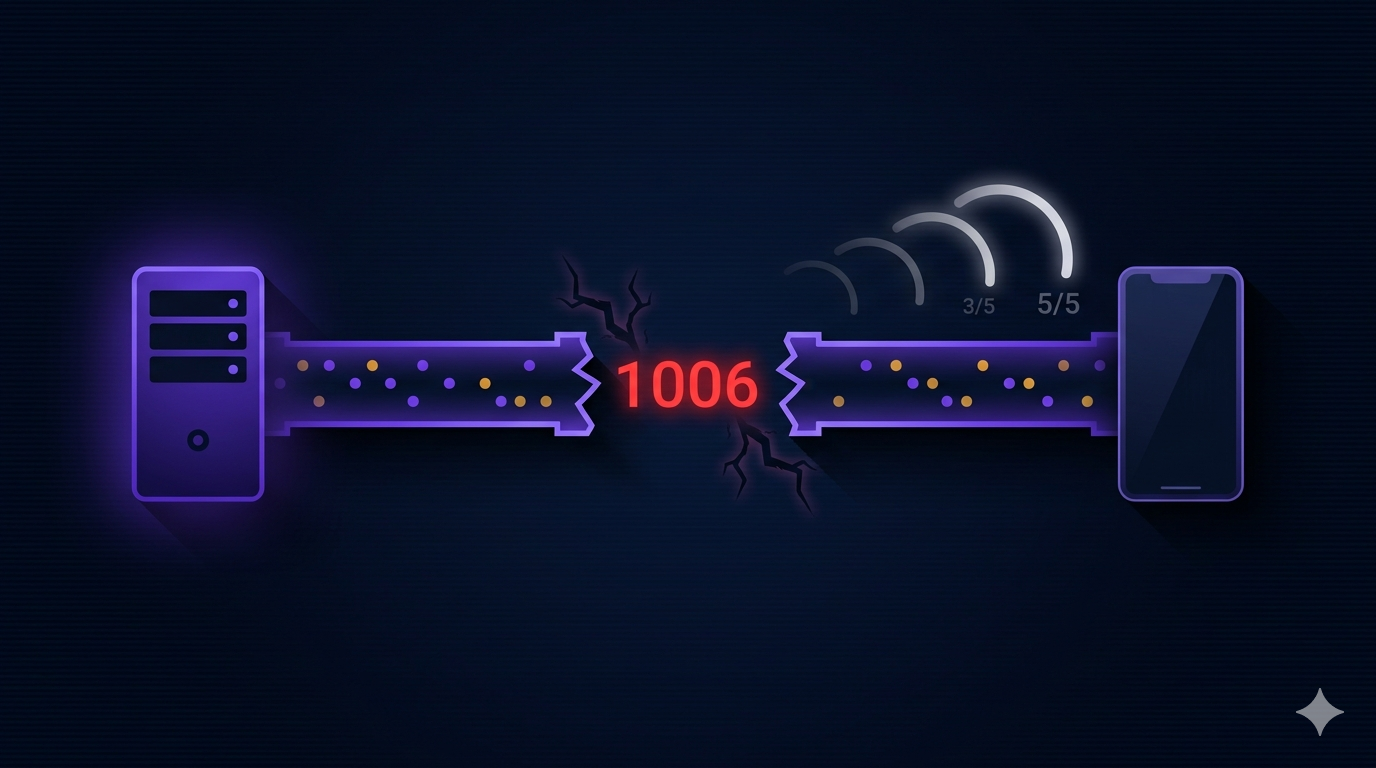

Close code 1006 means “the connection was closed abnormally” — no close frame was sent. The WebSocket spec reserves 1006 for connections that drop without a proper handshake. In a mobile game, this happens all the time: the user enters a tunnel, switches from WiFi to cellular, or the OS kills the app to save memory.
Our multiplayer game, Cabo, runs entirely over WebSockets. Every move — draw, swap, burn, call Cabo — is a WebSocket message. If the connection drops mid-game and doesn’t recover, the player is stuck. The server eventually times out their turn, but they can’t come back. They have to kill the app and start over.
The original code: no reconnection at all
The first version of our WebSocket client had no reconnection logic. The game connected on entry, and if the connection dropped, that was it. The onDone callback fired, and the game showed an error state.
_channel!.stream.listen(
  (message) { /* process game messages */ },
  onDone: () {
    // Nothing. Game over.
    updateGameState(state: GameState.error);
  },
  onError: (error) {
    // Also nothing.
    updateGameState(state: GameState.error);
  },
);
This worked fine during WiFi testing. On real mobile networks, it fell apart. Users in areas with spotty connectivity would see the game freeze. No error message, no way to continue, no way to rejoin. They’d force-quit the app and get hit with a -50 XP abandon penalty.
Detecting the silent disconnect
The first challenge is detection. When a WebSocket connection drops abnormally, onDonefires with close code 1006. But 1006 isn’t the only problem. Close code 1005 means “no status code received” — another abnormal close.
onDone: () {
  Logger.logInfo(
    'Connection closed:: ${_channel?.closeReason} | ${_channel?.closeCode}');
  _isWebSocketClosed = true;
  if (!_isDisposed) notifyListeners();

  // 1005 = no status code received (abnormal)
  // 1006 = closed without close frame (abnormal)
  if (_channel?.closeCode == 1005 || _channel?.closeCode == 1006) {
    _attemptReconnection();
  }
}
A clean close (code 1000) means the server intentionally closed the connection — game over, session ended. No reconnection needed. But 1005 and 1006 mean something went wrong — and that’s where reconnection makes sense.
The reconnection strategy
We implemented exponential backoff with a connectivity check:
// WebSocket reconnection properties
Timer? _reconnectTimer;
int _reconnectAttempts = 0;
static const int maxReconnectAttempts = 5;
bool _isReconnecting = false;

void _attemptReconnection() {
  if (_reconnectAttempts < maxReconnectAttempts && !_isReconnecting && !_isDisposed) {
    _reconnectAttempts++;
    final delay = Duration(seconds: _reconnectAttempts * 2);
    _reconnectTimer = Timer(delay, () {
      if (!_isDisposed) _reconnectWebSocket();
    });
  } else if (_reconnectAttempts >= maxReconnectAttempts) {
    updateGameState(state: GameState.error);
    canPop = true;
  }
}
5 attempts with backoff delays of 2s, 4s, 6s, 8s, 10s. After 5 failures, we give up and show an error state. The player can try again from the home screen.
But there’s a dependency: we don’t want to attempt reconnection if the device has no internet. That would waste all 5 attempts on a dead connection.
void _setupConnectivityListener() {
  if (!_isConnectivityListenerSetup) {
    _connectivitySub = locator<ConnectivityService>()
        .isConnectedStream
        .listen(_onConnectivityChanged);
    _isConnectivityListenerSetup = true;
  }
}

void _onConnectivityChanged(bool isConnected) {
  if (isConnected && !isWebSocketConnected) {
    // Internet is back — try to reconnect
    _reconnectWebSocket();
  }
}
When the connection drops, we check connectivity first. If there’s no internet, we stop retrying and listen for connectivity changes. When the internet comes back, we immediately try to reconnect. This avoids wasting reconnection attempts on a known-dead connection.
What happens on the server when you reconnect
This is the part most tutorials skip. When the WebSocket reconnects, the server needs to resume the game from where it left off. Our server keeps the game session in MongoDB with a 5-second buffer after the player’s turn timer expires.
On reconnect, the client sends a RECONNECTaction with the session ID. The server reloads the session from MongoDB, verifies the player is still a participant, and re-broadcasts the current game state. The player sees their cards, the current turn, and any pending actions — exactly as if they’d never disconnected.
The key design decision: the server is always the source of truth. The client never resumes from local state. On reconnect, it throws away everything and rebuilds from the server’s authoritative state. This prevents state drift — if the server applied actions while the client was disconnected, the client will see those changes when it reconnects.
The ping interval
By default, WebSocket connections can go stale without either side noticing. We set a 15-second ping interval on the native socket to detect stale connections quickly:
final rawSocket = await WebSocket.connect(uri, headers: headers);
rawSocket.pingInterval = const Duration(seconds: 15);
Without this, a connection that went stale on a muted WiFi network could sit dormant for minutes. The server would time out the player’s turn, but the client wouldn’t know until it tried to send a message — and that message would silently fail.
The cleanup problem
Reconnection adds state: timers, connectivity listeners, attempt counters. All of this needs to be cleaned up when the game ends or the player navigates away:
void _cleanupReconnectionResources() {
  _reconnectTimer?.cancel();
  _reconnectTimer = null;
  _reconnectAttempts = 0;
  _isReconnecting = false;
  _isWebSocketClosed = false;

  if (_isConnectivityListenerSetup) {
    _connectivitySub?.cancel();
    _connectivitySub = null;
    _isConnectivityListenerSetup = false;
  }
}
This runs on both dispose() and dump(). Missing this cleanup causes memory leaks and duplicate listeners on reconnection.
What I’d Tell My Past Self
- Check the close code. 1000 means clean close — no reconnection. 1005 and 1006 mean something went wrong — try reconnecting.
- Check connectivity before retrying.Don’t waste reconnection attempts when the device has no internet. Listen for connectivity changes and retry when the network comes back.
- The server is always the source of truth on reconnect. Never resume from cached client state. Reconnect, fetch the full game state, and rebuild the UI from scratch.
- Set a ping interval. 15 seconds keeps stale connections from going unnoticed. Without it, stale connections can sit for minutes.
- Clean up everything. Timers, listeners, streams — all of it. Reconnection adds state, and missing cleanup on game exit causes leaks on the next game.