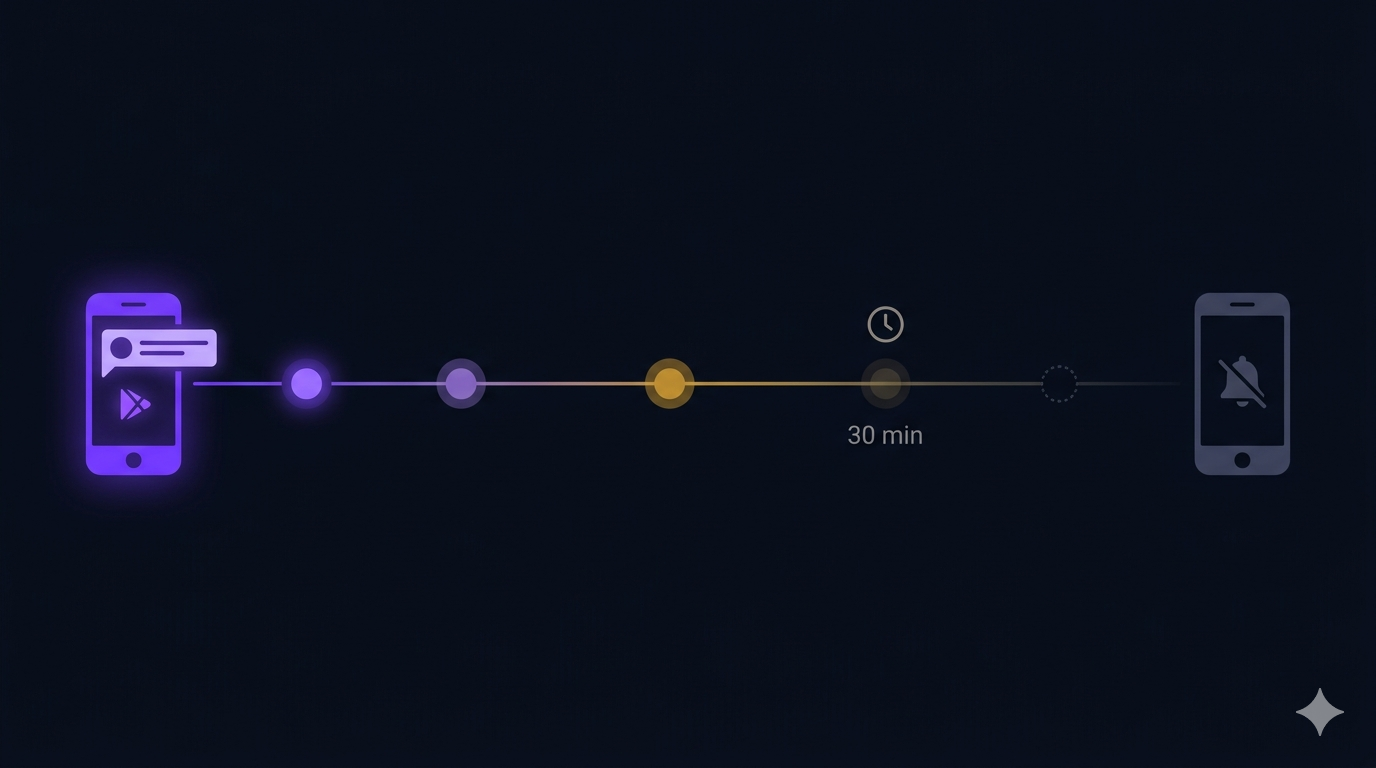

The home screen of Cabo has a live activity strip — a horizontal row of player avatars showing who’s online, who’s waiting for a game, and who’s mid-match. Tap someone who’s waiting, and a challenge request fires to their phone.
But here’s the thing: if you haven’t opened the app in two hours, you shouldn’t receive that notification. You’re not looking at your phone. You’re not available to play. Sending you a “come play!” push at 11 PM is the fastest way to get uninstalled.
Most apps solve this with a cron job: periodically scan for idle users and delete stale presence records. We solved it with a database feature that does the same thing for free.
The problem with last_seen cleanup
The naive approach is straightforward: store a last_seen timestamp on each user’s presence document. Run a cron every 30 minutes, find all documents where last_seen is older than 30 minutes, and delete them.
This works, but it has three problems:
- Cost:At 275 DAU, scanning the presence collection every 30 minutes is cheap. At 10,000 DAU, it’s a Firestore read storm that costs real money.
- Latency:A cron running every 30 minutes means presence records can be up to 30 minutes stale. Someone who left 29 minutes ago still appears “online.”
- Edge cases: What if the cron fails? What if two crons overlap? What if a user comes back online between the scan and the delete? You need idempotent delete logic, retry queues, and monitoring.
The TTL approach: documents that delete themselves
Firebase Realtime Database has onDisconnect()— a server-side guarantee that fires when the client’s connection drops. But RTDB presence is ephemeral. We needed presence to be queryable (for the activity strip), which means Firestore.
Firestore has TTL (Time-To-Live) policies. You mark a Firestore document with a ttlAt timestamp field, create a TTL policy pointing to that field, and Firestore automatically deletes the document after that timestamp passes. No cron. No read storms. No edge cases.
Here’s how it works in our app:
- When a player opens the app or becomes active, we write a presence document to Firestore with
ttlAtset to 30 minutes from now. - Every time the player takes an action (makes a move, enters a lobby, sends a chat message), we update
ttlAtto another 30 minutes in the future. This extends the document’s life. - When the player closes the app or goes offline, we stop updating
ttlAt. The document naturally expires 30 minutes later and Firestore deletes it. - The activity strip queries Firestore for all presence documents. If a document doesn’t exist, the player isn’t active. No stale data, no cleanup needed.
Why 30 minutes?
30 minutes is the same window we use for our in-app presence status. When the app is backgrounded, a 3-minute timer transitions the RTDB presence tooffline. The Firestore presence document with TTL is a second layer — it’s the document that determines whether someone appears in the activity strip and whether they’re eligible for a challenge notification.
The 30-minute TTL is long enough to survive brief network hiccups (a dropped packet shouldn’t make you invisible), but short enough that someone who genuinely left won’t appear in the strip for more than half an hour.
The FCM filter: presence as a notification gate
TTL presence documents serve a dual purpose: they’re both the data source for the activity strip and the filter for push notifications.
Before sending a challenge notification, the server checks whether the recipient has an active presence document. If the document doesn’t exist (it expired via TTL), the notification is silently dropped. The sender doesn’t even need to know — from their perspective, the person simply isn’t available.
if (source == MsgSource.Foreground) {
  final status = presence.currentStatus;
  if (status == UserStatus.busy || status == UserStatus.waiting) {
    // User is in a game — silently drop the invite
    return false;
  }
  InAppInviteBanner.show(data: data);
  return false;
}
The flow is: activity strip shows only people with valid presence documents → you can only challenge people who appear in the strip → inactive players see no notifications. The entire system is self-reinforcing.
Setting up Firestore TTL
Creating a TTL policy is a one-time operation via the gcloud CLI:
# Create TTL policy for the presence collection
# Documents with ttlAt field older than now will be auto-deleted
gcloud firestore fields ttls update ttlAt \
  --collection-group=presence \
  --project=kabo-prod
After this, Firestore automatically deletes any presence document where ttlAt is in the past. No code, no cron, no monitoring.
We use the same TTL pattern for spin sessions (ttlAt = 3 days), gear rentals (ttlAt = rental duration), and quest progress (ttlAt = quest expiry). Each has its own TTL policy, and each self-cleans without any backend job.
What I’d Tell My Past Self
- Use Firestore TTL instead of cleanup crons. If your data has a natural expiration time, TTL is simpler, cheaper, and more reliable than a periodic scan-and-delete job.
- TTL is not a replacement for real-time presence. Firestore TTL deletes can take up to an hour to process after the expiration time. For instant presence updates (online → offline in seconds), use Firebase RTDB with
onDisconnect(). Use Firestore TTL for the slower “are they genuinely active?” check. - Don’t notify inactive players.The presence document is your notification gate. If it doesn’t exist, don’t send the push. It’s that simple.
- Reset TTL on every meaningful action. The TTL is a self-destruct timer. If the player keeps interacting, keep extending it. The last action is always 30 minutes before deletion.
The result: active players see live statuses and get challenge requests. Offline players hear nothing. No cron job, no read storm, no stale data. Firestore TTL handles it all.